Registering Online at Pennsylvania’s DCNR Portal
Trying to get your ATV or UTV registered in Pennsylvania can feel like navigating a maze, especially with all the paperwork and specific requirements. It's easy to get frustrated when you just want to hit the trails, but the good news is that the Pennsylvania Department of Conservation and Natural Resources (DCNR) has created an online portal to make this process much smoother. This guide will walk you through everything you need to know about successfully registering your machine using the DCNR's online system, helping you get that plate and sticker on your quad or side-by-side with minimal fuss.
Understanding Pennsylvania's DCNR Portal for ATV Registration
For years, registering an ATV or UTV often meant a trip to a dealer, a stack of paper forms, or endless phone calls. The Pennsylvania DCNR recognized that riders needed a more streamlined approach, especially in our increasingly digital world. That's where the DCNR Snowmobile and ATV Portal comes into play, offering a much-needed online solution for many common registration tasks.
What is the DCNR Snowmobile and ATV Portal?
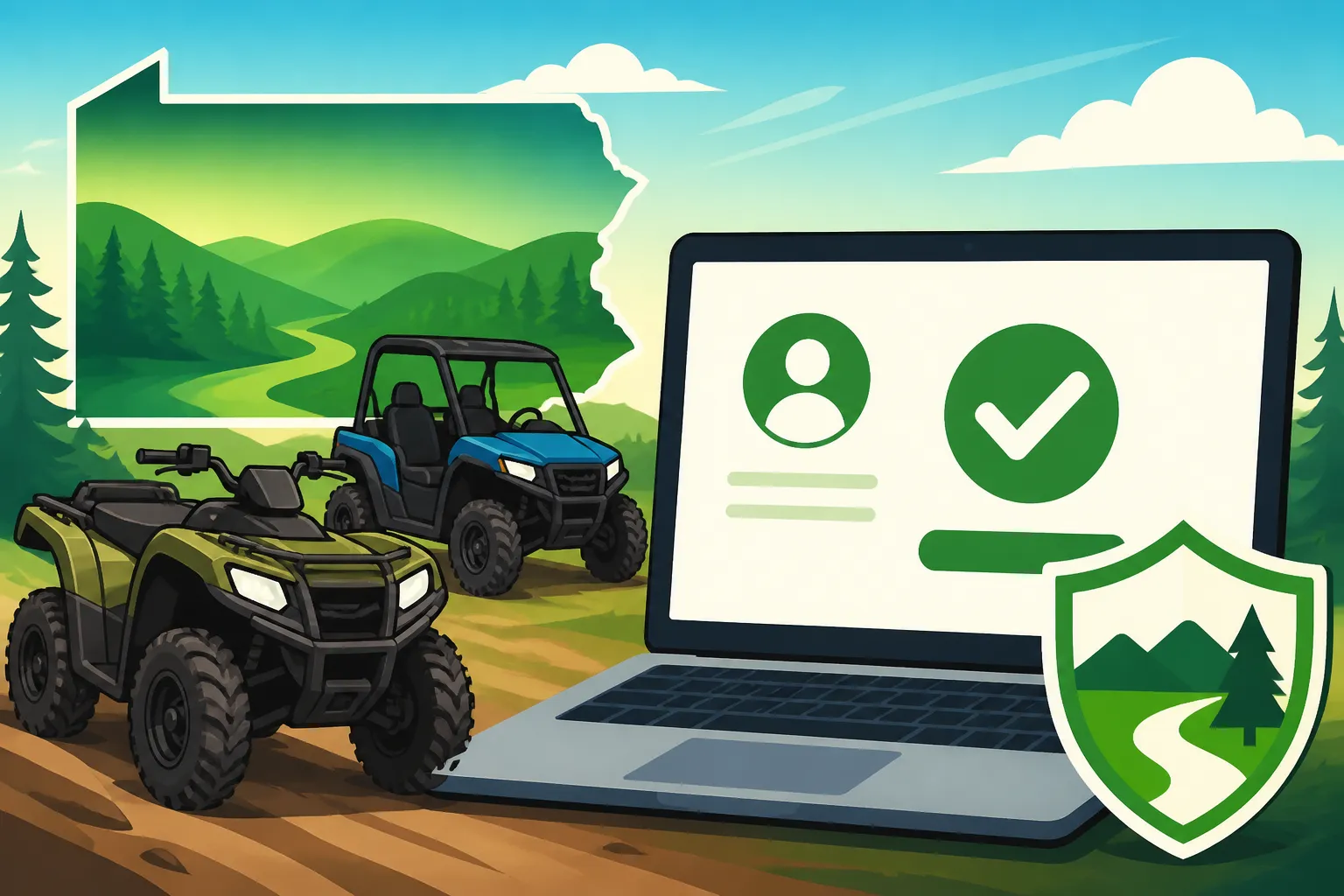
The DCNR Snowmobile and ATV Portal is essentially your digital gateway to managing your off-highway vehicle registrations in Pennsylvania. It's designed to handle a variety of transactions related to both snowmobiles and ATVs/UTVs, making it more convenient for residents to comply with state regulations. Instead of mailing in checks and forms, or waiting in line, you can often complete your registration from the comfort of your own home, any time of day or night.
This portal is more than just a payment gateway; it's a comprehensive system where you can initiate new registrations, renew existing ones, update your contact information, and even replace lost documents. The goal is to reduce the administrative burden on both the DCNR and, more importantly, on you, the rider. Think of it as a one-stop digital shop for keeping your machine street-legal for trails and open riding areas. It's the modern answer to a process that used to be a bit stuck in the past.
Eligibility for Online Registration
While the DCNR portal is incredibly convenient, it's important to understand that not every registration scenario can be handled completely online. Generally, new registrations for machines purchased from a Pennsylvania dealer are often the easiest to complete through the portal, as much of the initial paperwork and sales tax collection has already been handled by the dealer. Renewals of existing registrations are also a breeze, as your information is already in the system.
However, certain situations might require a more traditional approach. For instance, if you've purchased a machine in a private sale and don't have all the required documentation, or if there are complex title issues, the online system might direct you to submit paper forms. Machines registered before February 1987 also have different rules. The system is designed to guide you, but it’s always wise to have all your ducks in a row before you begin. If you're unsure, starting the online process will often clarify whether your specific situation is eligible for full online completion or if you'll need to follow up with a mail-in or in-person step.
Preparing for Your Online Registration Journey
Before you even open your web browser and navigate to the DCNR portal, taking a few minutes to gather your information and understand the process can save you a lot of headaches later. It's like packing your gear before a long ride; having everything ready makes the journey much smoother. This preparatory step is crucial for a successful online registration.
Essential Documents and Information You'll Need
To ensure a smooth online registration, you'll need to have several pieces of information and possibly some digital documents close at hand. The most critical piece of information is your ATV or UTV's Vehicle Identification Number (VIN). This 17-digit code is unique to your machine and is essential for identification. You'll typically find it stamped on the frame of your vehicle. You'll also need details about the machine itself, such as its make, model, year, and engine size (in cubic centimeters).
Beyond the machine's specifics, you'll need your personal information: your full name, current mailing address, phone number, and email address. If you're registering a newly acquired machine, you'll also need the details of its purchase, including the date of sale and the seller's information. For private sales, having a properly filled out bill of sale is critical, as it serves as proof of ownership and purchase price. Sometimes, a copy of the bill of sale or other supporting documents might need to be uploaded, so having them scanned and ready can prevent delays. For more specific guidance on what to include, check out [Pennsylvania ATV Bill of Sale Requirements].
Understanding Pennsylvania's Registration Types
Pennsylvania offers two main types of ATV/UTV registration: Limited Registration and General Registration. Understanding which one applies to you is vital before you start the online process, as it dictates where you can legally ride and, consequently, which option you should select in the portal. Limited Registration is designed for machines that will primarily be operated on your own private property or land leased by you. It's often chosen by landowners, farmers, or those who only ride on private club trails where state registration isn't strictly enforced for access. This registration does not allow you to ride on state-designated ATV trails or other public lands open to ATVs.
General Registration, on the other hand, is what most recreational riders will need. This type of registration allows you to operate your ATV or UTV on the extensive network of state forest trails, DCNR-managed riding areas, and other public lands where ATV use is permitted. It's the registration you need if you plan to explore destinations like Bloody Skillet or Whiskey Springs. The DCNR portal will ask you to choose between these two, so make sure you're selecting the one that matches your intended use. Both registrations are valid for two years, but they have different costs and different plate types. A deeper dive into these can be found in [Pennsylvania's Limited and General Registrations].
The Role of Sales Tax Proof
When you register a machine in Pennsylvania, you are typically required to pay Pennsylvania sales tax on the purchase price, unless an exemption applies. If you bought your ATV or UTV from a licensed dealer in Pennsylvania, the dealer usually collects this 6% sales tax (plus any local sales tax, like the additional 1% in Allegheny County or 2% in Philadelphia) at the time of sale and remits it to the state. In these cases, the dealer will often provide you with documentation, such as a sales invoice or purchase agreement, that clearly shows the sales tax was paid. This documentation is your proof for DCNR.
However, if you purchased your machine through a private sale, the responsibility for paying sales tax usually falls to you, the buyer. The DCNR portal will prompt you to declare the purchase price and calculate the sales tax due, which you will then pay as part of your online registration transaction. It's crucial to be honest and accurate with the purchase price, as providing false information can lead to penalties. If you're unsure about how to handle sales tax for a private purchase, gathering a clear [Pennsylvania ATV Bill of Sale Requirements] document, perhaps using a template from a service like LawDepot, can help ensure you have the necessary details. The DCNR system is designed to collect this tax if it hasn't already been remitted, ensuring compliance. For a comprehensive overview of sales tax proof, consult [Proving Pennsylvania Sales Tax Was Paid].
A Step-by-Step Walkthrough of the Online Portal
Once you've gathered all your essential documents and understand the type of registration you need, you're ready to dive into the DCNR's online portal. The system is designed to be user-friendly, but knowing what to expect at each stage can make the process even smoother. Let's break it down section by section.
Navigating the DCNR Website and Finding the Portal
Your first step is to locate the official Pennsylvania DCNR website. A quick search for "Pennsylvania DCNR ATV registration" should lead you directly to the correct page. Once on the DCNR site, look for sections related to "Snowmobiles and ATVs" or "Off-Highway Vehicles." There's usually a clear link to the "Online Registration Portal" or similar wording. The portal is typically prominently featured, as the DCNR wants to encourage its use for efficiency.
When you click on the link, you'll likely be taken to a secure, separate portal environment. You might need to create an account if you haven't used it before, or log in with existing credentials. This account will serve as your hub for all your ATV/UTV registration activities, making it easy to track renewals and manage multiple machines if you own more than one. Take your time to read any introductory messages or disclaimers on the portal homepage; they often contain important updates or specific instructions. For more details on accessing and using the portal, you can refer to [Using the Snowmobile and ATV Portal].
Inputting Your ATV/UTV Details
This is where you start telling the DCNR about your specific machine. The portal will prompt you for critical information, starting with the Vehicle Identification Number (VIN). Carefully enter the 17-digit VIN exactly as it appears on your machine's frame or title document. Double-check for any transposed numbers or letters, as an incorrect VIN can cause significant delays or rejection of your application. The system may even have a VIN verification step to help catch common errors.
Following the VIN, you'll be asked to provide the make (e.g., Polaris, Honda, Can-Am), model (e.g., RZR, Foreman, Renegade), year of manufacture, and engine size in cubic centimeters (cc). Be as accurate as possible. Some modern machines also come with various sub-models or special editions; if there's a field for it, include that detail. Accurate information here is crucial for DCNR to correctly identify your machine and ensure it meets any size or weight restrictions for certain trails. If you need help locating or verifying your VIN, [VIN Proof for a Pennsylvania Registration] offers good guidance.
Owner Information and Contact Details
Next, the portal will shift its focus to you, the owner. You'll need to input your full legal name, current residential address, and mailing address if it's different. It's vital that this information matches what's on your driver's license or other official identification, especially for new registrations. Providing an accurate physical address is important, as that's where your registration materials – including your plate, sticker, and wallet card – will be mailed.
You'll also be asked for your phone number and a valid email address. These contact methods are essential for DCNR to communicate with you about your application, send renewal reminders, or notify you of any issues. Make sure the email address you provide is one you check regularly. If you have multiple machines, these contact details will typically be linked to your overall DCNR portal account, streamlining future interactions. Remember, keeping this information current through the portal is important, especially if you move, as detailed in [Changing Your Address With DCNR].
Payment Processing and Confirmation
The final step in the online registration process is payment. The DCNR portal will clearly display the total fees due, which typically include the registration fee itself and, if applicable, any outstanding sales tax or title fees. For a General Registration, the fee covers two years of riding on state-designated trails and other public lands. While specific amounts can change, you should expect to pay a set fee for your registration. You can find up-to-date figures by looking at [Pennsylvania ATV Registration Cost].
The DCNR portal generally accepts major credit or debit cards for payment. You'll enter your card details into a secure payment gateway. Once your payment is processed and approved, you'll receive a confirmation screen and an email receipt. This confirmation is crucial; print it or save it digitally for your records. It serves as temporary proof of registration until your official documents arrive in the mail. The system will also provide an estimated timeframe for when you can expect your physical registration materials to arrive, usually within a few weeks. This confirmation also helps if there are any questions about your application down the line.
Common Hurdles and How to Overcome Them
Even with a streamlined online portal, sometimes things don't go exactly as planned. It's normal to encounter a hiccup or two, especially when dealing with official processes. Knowing what common challenges might arise and how to address them can save you a lot of stress and ensure your registration moves forward.
Dealing with Title and Ownership Issues
One of the most frequent challenges riders face during registration, especially after a private sale, involves the title. Pennsylvania requires a title for most ATVs and UTVs, and often this is a prerequisite for registration. If you've purchased a machine and the seller couldn't provide a clear title, or if you inherited a machine and the title is in the previous owner's name, the online portal might not be able to complete your registration automatically. These situations often require additional documentation or a trip to a DCNR office.
For machines where the title is missing or was never issued (which can happen with very old ATVs or those not previously registered), you might need to pursue a bonded title or other legal avenues to establish clear ownership before DCNR can process your registration. In some specific cases, [Pennsylvania ATV Registration Without a Title] might be possible, but it's not the norm. If you've bought your quad or side-by-side from a neighbor or through an online classified ad, ensuring you have a signed title and a complete bill of sale (again, LawDepot can be helpful for generating such documents) is absolutely critical. If you find yourself in this predicament, the online portal will usually flag the issue and instruct you on the next steps, which typically involve submitting forms by mail or visiting a DCNR district office. For details on how to proceed after a private sale, refer to [Registering After a Private Sale in Pennsylvania].
Troubleshooting Payment or Technical Glitches
It's 2 AM, you're finally done filling everything out, and then… the payment fails, or the page freezes. Technical glitches are frustrating but not uncommon with online systems. If your payment doesn't go through, first double-check that you've entered your credit card information correctly, including the card number, expiration date, and security code. Ensure you have sufficient funds or credit available. Sometimes, banks flag large online transactions as potential fraud, so a quick call to your bank might resolve the issue.
If the page freezes or you encounter an error message not related to payment, try clearing your browser's cache and cookies, or switch to a different web browser (e.g., if you're using Chrome, try Firefox or Edge). Sometimes, a simple refresh or restarting your computer can resolve minor technical hiccups. If the problem persists, make note of any error codes or messages displayed. The DCNR website usually provides a contact number or email for technical support for their online portal. Don't hesitate to reach out to them; they can often help diagnose the problem from their end.
What to Do If You Can't Register Online
There will be instances where, despite your best efforts, the online portal simply cannot accommodate your specific registration needs. This might be due to complex ownership issues, unusual machine types, or problems with previous registrations that need manual intervention. When the online system directs you away, don't despair. The DCNR still offers traditional methods for registration.
Your primary alternatives are mail-in applications or, in some cases, in-person assistance at a DCNR district office. You'll need to download and print the relevant DCNR forms (typically Form DCNR-43 for new registrations). Fill them out meticulously, attach all required supporting documents (copies of titles, bills of sale, tax proofs), and mail them with a check or money order for the correct fees. While this method takes longer, it provides a pathway for those complex situations. Always make copies of everything you send for your own records. The DCNR provides a phone number for their Snowmobile and ATV Section, which can be invaluable for clarifying specific requirements before you mail everything in.
After You Register: What to Expect Next
You've completed the online registration, received your confirmation email, and now you're wondering, "What's next?" The final phase involves waiting for your physical registration materials to arrive and understanding how to maintain your registration moving forward. This is when all your hard work pays off, and you get ready to ride!
Receiving Your Registration Materials
After your online application and payment are successfully processed, the DCNR will begin preparing your official registration packet. This packet typically includes a few essential items: your ATV or UTV registration plate, the current year's validation sticker, and a wallet-sized registration card. The registration plate is a physical license plate that must be prominently displayed on the rear of your machine. The validation sticker adheres to the plate and signifies that your registration is current for the given two-year period.
The wallet card is a small, durable card that contains your machine's information, registration number, and expiration date. It's designed to be carried with you whenever you're riding, as proof of registration. The DCNR aims to process and mail these materials as quickly as possible, but mailing times can vary. You should generally expect to receive everything within a few weeks. If you haven't received your materials within a reasonable timeframe (e.g., 4-6 weeks), it's a good idea to contact the DCNR Snowmobile and ATV Section to check on the status. Learn more about where to place your plate and sticker in [Pennsylvania ATV Plates and Where They Mount]. For an idea of how long this all typically takes, check out [How Long Pennsylvania Takes to Process a Registration].
Understanding Your Registration Expiration and Renewal
Pennsylvania ATV and UTV registrations are valid for a two-year period. The expiration date will be clearly printed on your wallet card and the registration sticker. It's crucial to keep track of this date, as riding with an expired registration can lead to fines and penalties. Thankfully, the DCNR portal makes renewing your registration just as straightforward as the initial registration.
Typically, DCNR will send you a renewal notice by mail or email a few months before your registration is set to expire. You can then log back into the online portal, verify your information, and pay the renewal fee. This saves you the hassle of filling out new forms every two years. Renewing online is the quickest way to ensure there's no lapse in your registration, keeping you legal on the trails. It's a system designed for convenience, especially for those who appreciate getting things done digitally. A more detailed explanation of the renewal process can be found at [Renewing a Pennsylvania ATV Registration] and [Renewing Every Two Years in Pennsylvania].
The Importance of Keeping Your Information Current
Life happens, and sometimes you move, change your phone number, or update your email address. It's vital to keep your contact information current with the DCNR. If your address changes, and the DCNR sends a renewal notice to an old address, you might miss it, leading to an accidental lapse in registration. Furthermore, official communications regarding trail closures, rule changes, or safety alerts rely on accurate contact details.
The DCNR online portal provides a section where you can easily update your personal and contact information. Making these changes promptly ensures that you continue to receive all important notifications and that your registration materials are sent to the correct address. Think of it as part of your ongoing responsibility as a registered rider; just as you maintain your machine, you should maintain your registration information. For a deeper dive into changing your address, refer to [Changing Your Address With DCNR].
Key Pennsylvania ATV/UTV Registration Details
To help summarize some of the key points for quick reference, here's a table outlining important aspects of registering your ATV or UTV in Pennsylvania:
| Feature | Details |
|---|---|
| Registration Types | General (public trails) and Limited (private property). |
| Validity Period | All registrations are valid for two years. |
| Primary Method | DCNR Online Portal for new dealer sales & renewals. Mail-in for complex cases. |
| Required Information | VIN, make, model, year, engine size, owner's personal & contact info. |
| Sales Tax Proof | Required. Handled by dealer or paid via portal for private sales. Bill of sale from LawDepot can assist. |
| Physical Materials | Plate, validation sticker, wallet card. Mailed within weeks after approval. |
| Renewal Process | Online via DCNR portal, typically every two years, with reminders sent out. |
| Lost Documents | Replacements can often be ordered through the DCNR portal. |
| Contact DCNR | For technical issues, complex cases, or status checks, use DCNR Snowmobile & ATV Section contact info. |
Remember, staying on top of your registration ensures you can legally and safely enjoy Pennsylvania's incredible ATV and UTV riding opportunities.
Disclaimer
This article is for general informational purposes only and does not constitute professional advice. Laws, prices and regulations vary by location and change over time. Consult a qualified professional for guidance on your specific situation.